
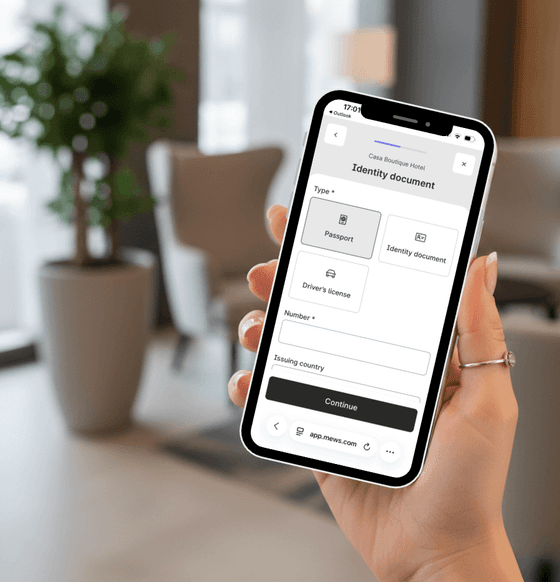
1. COMPLETE YOUR ONLINE CHECK-IN
Before your arrival, you will receive an email with a secure link.
It only takes a few minutes to fill in your details and upload a valid ID or passport for all guests.
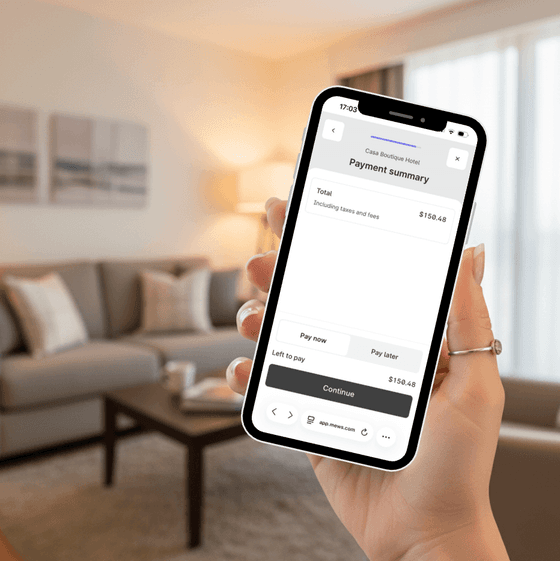
2. PAY ANY PENDING AMOUNT
During the check-in process, you may be asked to complete any pending balance, such as the Resort Fee.
This step must be completed to finalize your check-in.
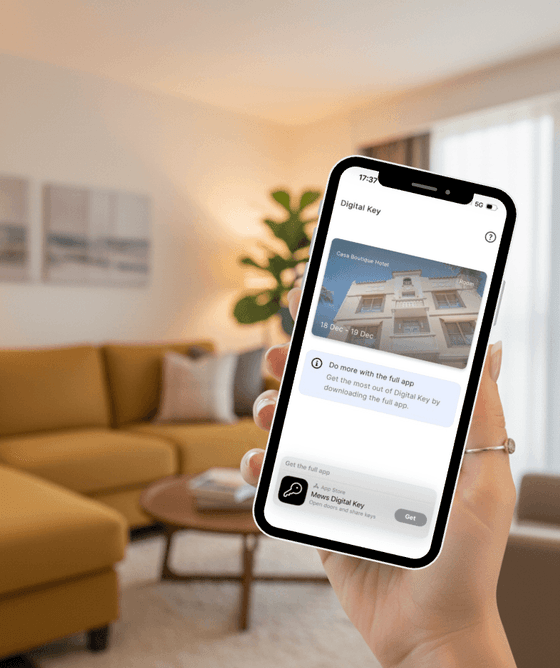
3. GET YOUR DIGITAL KEY
Once your check-in is completed, your digital key will be available to download. Tap on “Download” to save it on your phone’s home screen for easy access.
Your key will be activated on the day of arrival, once your room is ready.
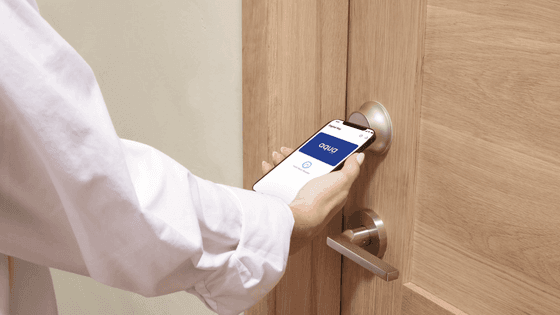
4. ACCESS YOUR ROOM
Once your key is active, simply open it and hold your phone close to the door reader. Your phone will act as your key, allowing you to access both the building and your room.
Enjoy a seamless and contactless arrival experience.
Important
- This property operates with a self check-in system. Please complete your online check-in before arrival to access the building and your room.
- If there is any pending payment, such as the Resort Fee, the digital key will not be activated until it is completed.
Need help?
If you haven’t received your check-in email or need any assistance, our team will be happy to help.
- Email: frontdesk@aquamiami.com
- Phone: +1 (305) 538 4361
- WhatsApp: +1 (305) 316 5701